Parcel tracking for Western Bid

International shipping
February 19, 2026
3 Minutes

Content

To always know the current status of your shipment, we have created our own parcel tracking site – track.westernbid.com.

You can either track your parcel yourself, or provide a link to this site and the tracking number to your customer so that they can see exactly where their order is.

‍Further details on the different types of delivery can be found at the following links:
– UPS Express and UPS Ground Delivery
– About FedEx delivery
– Nova Poshta delivery
– Delivery to Europe from Ukraine via DPD
– Consolidation Plus Delivery
– Consolidation Direct Delivery

‍Also useful links for working with your shipments:
– Delivery cost calculator
– Parcel packing rules
– Attachments for shipment
– How to cancel a label yourself?
– Delivery in KeyCRM via Western Bid

‍The main advantage of our service is that the first status your parcel receives is acceptance at our Kyiv warehouse, and the status when the parcel leaves the warehouse. Also, on our tracking site you can see the full path of the consolidated shipment.

‍Tracking works for shipments: UPSFedExDPD, Nova Global, Nova Poshta international deliveryConsolidation Plus and Direct.

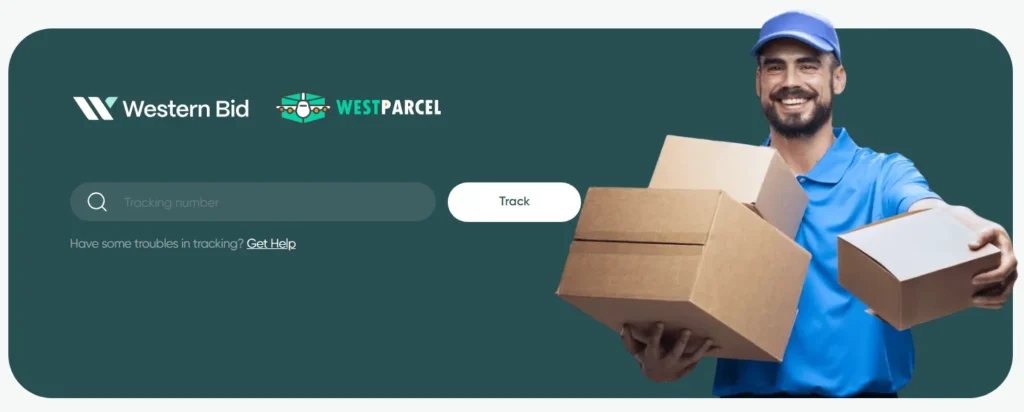
‍To check the status of your shipment, simply copy the tracking number into the “Tracking number” field and click the “Track” button.
Who this page is for

  • For Western Bid clients who ship parcels using UPS, FedEx, DPD, Consolidation Plus, or Consolidation Direct.
  • For customers who want to track their parcel’s journey from the Western Bid warehouse to delivery themselves.
  • For sellers who need to quickly share with customers a single convenient link for shipment tracking.

According to our statistics, in international shipping, on average 1% of parcels may encounter delivery problems. Also, if you have taken out insurance for your shipment (the insurance cost is 1% of the value of the goods), then in case of confirmed loss, you will be compensated for the full value of the shipment.

‍Remember that you should always track your shipment to be able to respond to delays as quickly as possible and notify the buyer. This will help avoid complaints from the customer.

How to track a parcel on track.westparcel.com

  1. Open the link track.westparcel.com in your browser.
  2. Copy the tracking number for your shipment from your Western Bid account dashboard or from the seller’s email/message.
  3. Paste the tracking number into the ‘Tracking number’ field on the site.
  4. Click the ‘Track’ button and wait for the system to display the route and the current status of the parcel.
  5. If needed, share this exact tracking link and the tracking number with the buyer.

Track every parcel with Western Bid

  1. Provide customers with the link to track.westparcel.com along with the tracking number.
  2. Regularly check the status of your shipments, especially if delivery is delayed.
  3. Insure valuable parcels so that, in the event of loss, you receive full-value compensation.

If you have any questions about the status of the parcel or the tracking system, contact Western Bid support by phone or via the contact details listed at the bottom of the page.

✓ For Western Bid customers who ship parcels via UPS, FedEx, DPD, Consolidation Plus, or Consolidation Direct.

✓ For customers who want to track their parcel's journey from the Western Bid warehouse to delivery on their own.

✓ For sellers who need to quickly share with customers a single convenient link for tracking shipments.

✓ практичні рекомендації по запуску доставки

Get access to free lessons on calculating shipping costs, customs rules, and important nuances of international shipments.


    A link to the educational chatbot will be sent to your email.